(This blog post has been a post in the making… Initially started in 2023, continued in 2025, and finished in 2026!!!!)
So for the past 2 ish 3 ish years, I’ve been getting familiar with LINUX! If you’ve been on the internet for a while, you’ve probably heard of it, an open source operating system with tons and tons of ways to customize your OS, down to the nitty gritty!
Linux was always an unknown field to me, even up to now. As a teen I remember seeing it as an option for a program’s downloads page, but honestly before I began to look more into it in 2022-2023 that’s as far as my knowledge went. When I attempted to look into it I just got bombarded with tons of unfamiliar terms that it just ended up scaring me away haha. There were so many things to know about, many things I did not know about, that it became too overwhelming.
What got me to look into it further was windows 11. I do not use windows 11 and I don’t ever want to for as long as I can, but with microsoft being super super scummy and my disdain for them growing, I found myself looking into Linux again. I started looking up distros (Linux isn’t like one big OS that updates periodically, it’s actually multiple versions that are updated and built by a community rather than a company! Personally like to think of them as Pokemon versions, haha) and found the easiest one to get into: Linux Lite and Linux Mint!
I actually started with Linux Lite in 2023- At the time while noodling around on Tumblr I’d read a post by someone who recommended people looking to get into Linux to start with Linux Lite-- that’s the one I ended up starting with!
While searching what I could, I’d gotten wind that I could create a bootable flash drive so I created two: one with Linux Lite and one with Linux Mint Cinnamon. I could also install the OS to any computer- since I wasn’t willing to install it on my desktop...
Enter my old toshiba laptop! I’ve had this laptop since 2015 and I LOVED it at the time, I had my own laptop and didn’t have to use the family computer anymore!!!!! But after 5 years of use plus with getting a desktop in 2020, I stopped using it and it was sitting and gathering dust. I figured installing a new OS on there would be a nice change.
What I needed to do first was swap out the old HDD (that had seen windows 8.1 AND 10!!!) with a new SSD. I think Lite could have ran fine on the HDD, but at the time I was doing this the hard drive was approaching 10 years of age so… it was time for an upgrade lol.
I find myself too anxious to touch the internals of a computer (especially my desktop), but following a tutorial and replacing the hard drive with a new SSD was such a huge accomplishment for me. I was so proud of myself!!! I plugged in Lite, installed it, and seeing this new OS was like a breath of fresh air.
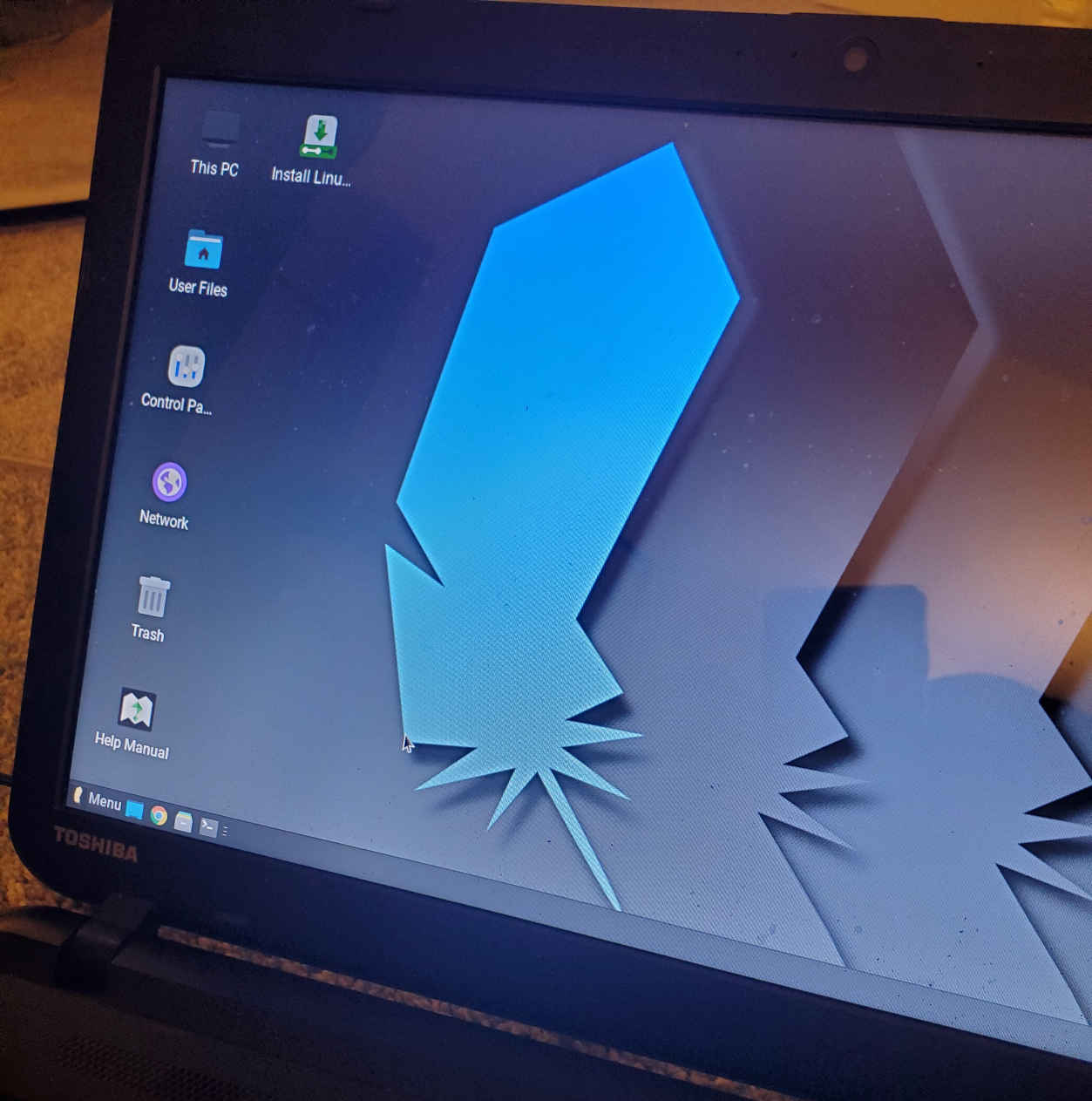
I used Lite for about a week in time, but honestly, it didn’t stick for me. My memory with Lite is a little fuzzy tbh. I didn’t use it for very long aside downloading programs I was familiar with on desktop hahaha. I ended up switching to Linux Mint Cinnamon since I’d heard it was the easiest to hop into for those who are familiar with windows. So I removed Lite and installed Mint instead.
Through the months I heard that Linux Mint was a better option for those who were used to windows, so I booted into Mint and removed Lite from my system. And this time, given that these events were months apart, I felt more prepared to tackle Linux Mint this time around. And I got a lot of use out of Mint on my old laptop! I did a bit more experimentation with Mint this time around- I was able to get firefox up and running, obsidian, and libre office! I attempted to get Clip studio Paint running but guides on it were few and far between. Plus I was still new to “installing” programs on Mint, let alone being introduced to bottles and wine, both allowing you to run windows programs. (I’m still new now, but I have a better idea of what to expect…)
Compared to Lite, I think I prefer Mint wayyy more. Lite was a nice introduction to get familiar with the environment, but honestly finding documentation on it was pretty difficult. I don’t have the issue with Mint since it has more users. :9 Also with Lite I found myself using the terminal more than I would have liked? I’m open to using the terminal if I have to, but maybe because I was still new to the environment it was just so confusing to me.
Now after about 3 years and one after retiring my toshiba laptop, I have a ThinkPad laptop where I can really dig my fingers into Mint and experiment with it. I’ve been using it a little more day by day, using it for web browsing and script writing, but hey- knowing what I use on the daily works on Mint is really good to know!!
Last year, shortly after I got the new laptop I tested an xp-pen laptop on it and it worked perfectly! I even got clip studio paint to run through bottles (By following this guide huhuhu)!! I got notepadqq running, waterfox, and got the steam client to run on it as well. Discord works on it as well as voice calls and video calls. We are SCHMOOVINGGGG
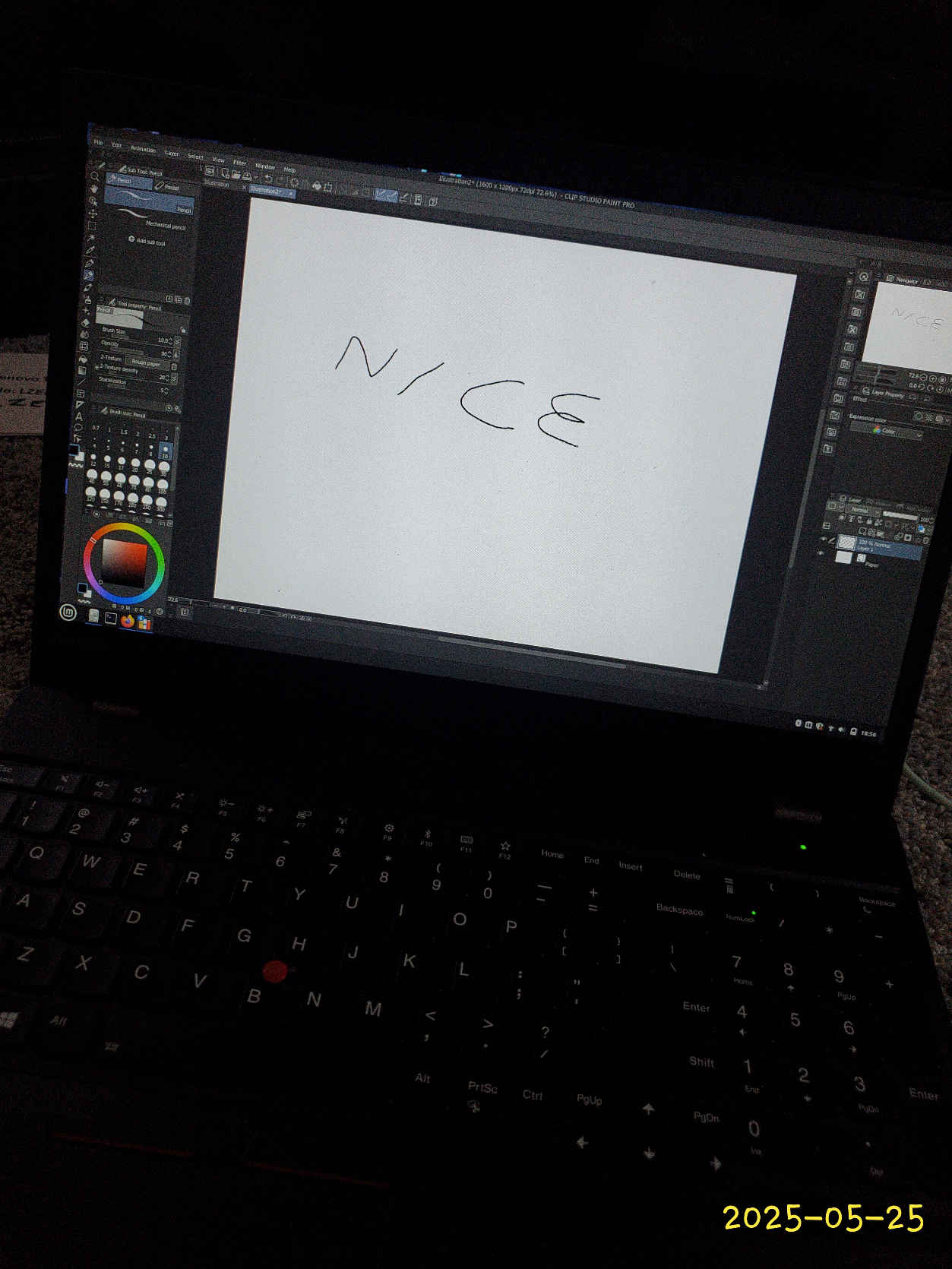
So would I switch from windows to Mint completely? I HAVE considered it, but honestly I don’t think I will, at least not soon. There’s a handful of programs where I would need to switch the OS to use (I also considered dual booting but there’s some issues with that too). Maybe if Clip Studio comes out with a version for Linux I’ll switch lol. I could use Krita which does have a Linux version but I love Clip too much to switch hahaha
So!! As of now I'm enjoying using it as a playground of some sort.
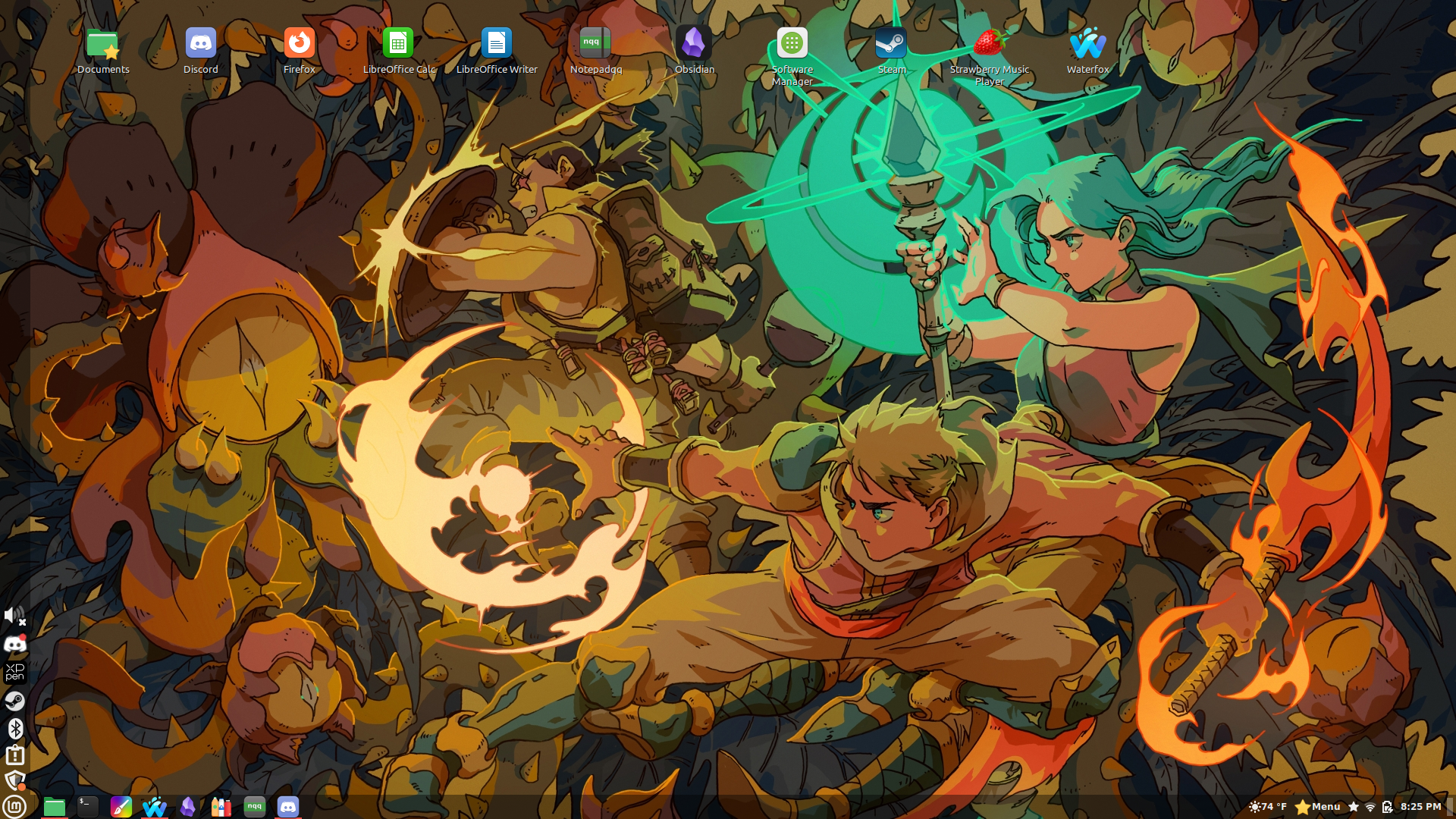
Also fun fact, I wrote this blog post entirely on Mint! It’s being uploaded from my desktop though!